A rejected photo can delay your Australian visa application by days or weeks — and it's entirely avoidable. The Australian Department of Home Affairs has specific requirements for visa photos, whether you're uploading a digital image to ImmiAccount or providing a physical photo for a paper application. This guide covers the exact specifications, formatting rules, and the most common reasons photos get rejected.
Quick Facts: Australian Visa Photos
| Detail | Requirement |
|---|---|
| Dimensions (physical) | 45mm x 35mm |
| Dimensions (digital) | Minimum 600 x 500 pixels |
| File format (digital) | JPEG/JPG |
| File size (digital) | Maximum 5MB, minimum 100KB |
| Background | Plain white or light grey |
| Head position | Straight, facing camera, neutral expression |
| Recency | Taken within the last 6 months |
| Glasses | Removed (recommended) |
Physical Photo Specifications
For paper-based applications, visa application centres, and some biometric appointments, you may need physical passport-style photos.
Size and Format
- Dimensions: 45mm high x 35mm wide
- Head size: Face from chin to crown should be between 32-36mm
- Paper: High-quality photo paper with a matte or semi-gloss finish
- Copies: Two identical photos (unless otherwise specified)
Photo Composition
- Position: Head centred in the frame
- Orientation: Square-on, facing the camera directly
- Expression: Neutral, mouth closed, eyes open
- Full face visible: Both ears visible, no hair covering the face
- Background: Plain white or very light grey, no patterns or shadows
- Lighting: Even, no shadows on the face or background
What to Wear
- Normal clothing (not uniform or costume)
- No head coverings unless worn for religious or medical reasons
- If wearing a head covering for religious reasons, your full face must still be visible from the bottom of your chin to the top of your forehead
- No sunglasses, tinted glasses, or heavy frames
Digital Photo Requirements for ImmiAccount
When applying online through ImmiAccount, you upload a digital photo. The requirements are similar to physical photos but with additional technical specifications.
Technical Specifications
| Specification | Requirement |
|---|---|
| File format | JPEG (.jpg or .jpeg) |
| Minimum resolution | 600 pixels wide x 500 pixels high |
| Maximum file size | 5MB |
| Minimum file size | 100KB |
| Colour | Full colour (not black and white) |
| Background | Plain white or light grey |
Digital Photo Tips
- Resolution: Higher resolution is better. A photo taken with a modern smartphone camera (12+ megapixels) will easily meet the minimum requirements.
- Cropping: Crop the photo to show head and shoulders. Leave some space above the head and below the shoulders.
- Lighting: Natural light works best. Face a window for even illumination. Avoid flash if it creates harsh shadows or red-eye.
- File format: If your phone saves photos as HEIC (common on iPhones), convert to JPEG before uploading.
Taking a Digital Photo at Home
You don't necessarily need a professional photographer for a digital visa photo. A smartphone can produce an acceptable result if you follow these steps:
- Stand against a plain white wall
- Have someone take the photo at arm's length or slightly further
- Position yourself facing the camera straight on
- Keep a neutral expression with mouth closed
- Ensure even lighting with no shadows
- Take multiple shots and select the best one
- Crop to head and shoulders
- Save as JPEG
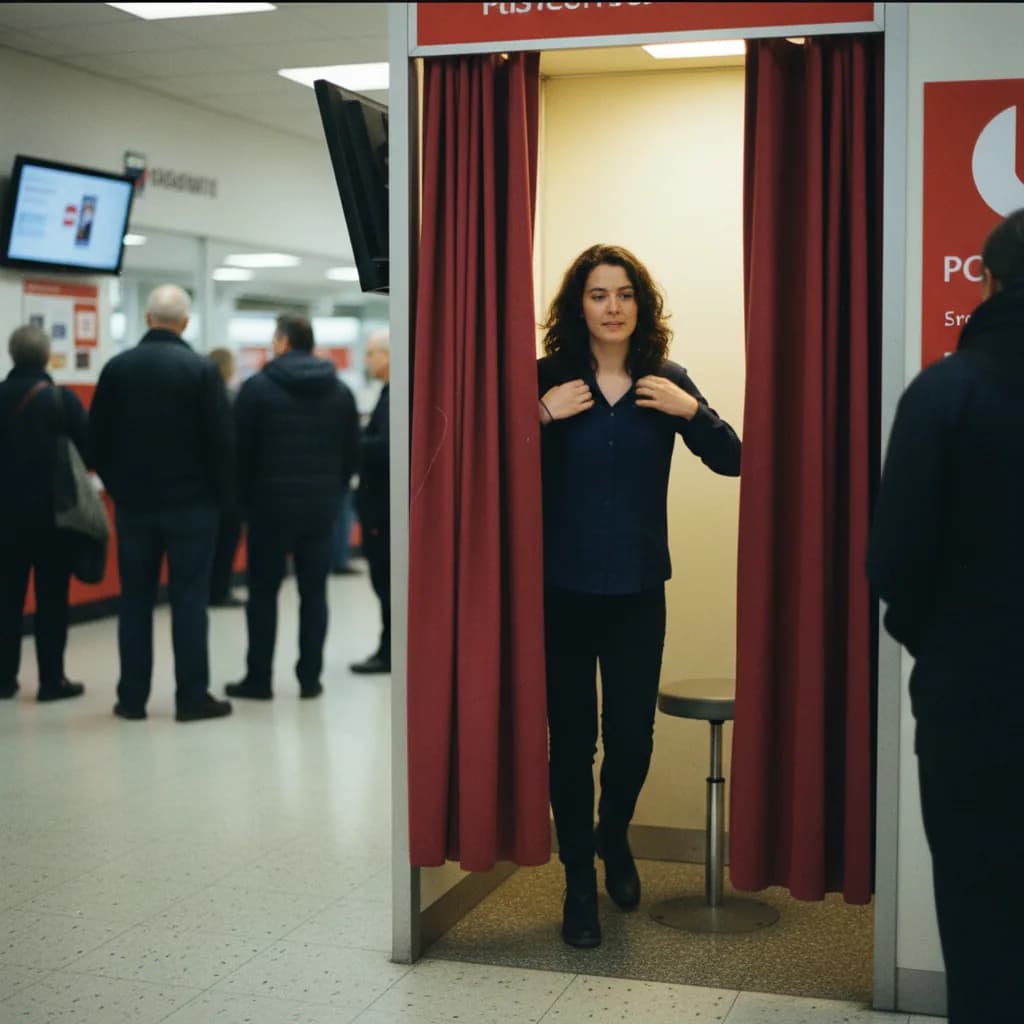
That said, if you're uncertain, a professional passport photo service guarantees compliance. Many pharmacies, post offices, and photo shops offer Australian visa-compliant photos.
Common Rejection Reasons
These are the most frequent causes of photo rejection in Australian visa applications. Avoid every one of them.
1. Wrong Background
The background must be plain white or very light grey. Common mistakes:
- Patterned wallpaper visible behind you
- Shadows on the background (caused by standing too close to the wall)
- Coloured backgrounds (blue, beige, etc.)
- Objects visible in the background
Fix: Stand about 50cm from a plain white wall. Use even lighting to eliminate shadows.
2. Poor Lighting
Uneven lighting creates shadows on your face, makes features hard to distinguish, or creates hot spots.
- Shadows under the nose, chin, or eyes
- One side of the face darker than the other
- Overexposure (face washed out)
- Underexposure (too dark)
Fix: Face a window for natural diffused light. Avoid overhead lighting that creates shadows. Don't use flash directly.
3. Incorrect Expression
- Smiling (even a slight smile can cause rejection in biometric processing)
- Mouth open
- Eyes closed or half-closed
- Looking away from the camera
Fix: Keep a neutral expression. Mouth closed. Eyes open and looking directly at the camera lens.
4. Glasses
While not strictly prohibited, glasses cause frequent issues:
- Reflections on the lenses
- Frames obscuring the eyes
- Tinted lenses
Fix: Remove glasses for the photo. This is now the recommended approach for most passport and visa photos worldwide.
5. Head Coverings
Head coverings are only acceptable for religious or medical reasons:
- Baseball caps, beanies, and fashion headwear must be removed
- Religious head coverings are permitted if the full face (chin to forehead) is clearly visible
- Headphones or earbuds must be removed
6. Image Quality Issues
- Blurry or out of focus
- Pixelated (too low resolution)
- Visible JPEG compression artefacts
- Photo of a printed photo (i.e., photographing an existing passport photo)
- Filters applied (Instagram, Snapchat, etc.)
Fix: Use a decent camera (any modern smartphone works), ensure focus before shooting, and don't apply any filters or edits beyond basic cropping.
7. Wrong Dimensions or Format
- Photo not cropped correctly (too much body showing, or cropped too tight)
- File not in JPEG format
- File too small (under 100KB) or too large (over 5MB)
Special Circumstances
Photos for Children
Children (including infants) need their own photo. For babies and young children:
- The child must be the only person in the photo (no parent holding them)
- Eyes should be open (difficult with newborns — do your best)
- For infants, laying them on a white sheet and photographing from above is an acceptable approach
- The same composition rules apply: plain background, neutral expression, face clearly visible
Religious Head Coverings
If you wear a head covering for religious reasons, you can wear it in your visa photo. Requirements:
- Full face visible from chin to forehead
- No shadows cast on the face by the covering
- Face must not be obscured
Include a signed statement explaining that the head covering is worn for religious purposes if you anticipate any questions.
Medical Conditions
If a medical condition affects your appearance (e.g., you wear an eye patch, have facial scarring, or have a condition affecting your expression), provide the best photo you can and include a medical letter explaining the condition if necessary.
Where to Get Visa Photos
Professional Services
- Photo shops: Most passport photo services can produce Australian visa-compliant photos
- Pharmacies: Many chain pharmacies offer instant passport photos
- Post offices: Some postal services offer photo services
- Australian Visa Application Centres: Most AVACs have photo facilities on-site
When using a professional service, specify that you need an "Australian visa photo" or "Australian passport photo" — the specifications differ from some other countries' requirements.
DIY at Home
For digital uploads to ImmiAccount, a home-taken photo is perfectly acceptable if it meets the specifications. Use a smartphone with a good camera, follow the composition guidelines, and check the result against the requirements before uploading.
Photo Apps
Several smartphone apps are designed to help you take compliant passport and visa photos. They provide guides for face positioning, check lighting, and crop to the correct dimensions. While useful, always verify the output against the official Australian requirements.
Frequently Asked Questions
Can I smile in my Australian visa photo?
It's best not to. While a very slight, natural expression may be accepted, a neutral expression with a closed mouth is the safest choice. Biometric facial recognition systems work best with neutral expressions.
Do I need to remove my glasses?
It's strongly recommended. Glasses cause reflections, shadows, and frames that can obscure your eyes. Removing them eliminates these issues entirely. If you must wear glasses for medical reasons, ensure there are no reflections and your eyes are clearly visible.
How recent does the photo need to be?
Within the last 6 months. The photo must be a current likeness — if you've significantly changed your appearance (different hair colour, substantial weight change, grown or removed facial hair), take a new photo.
Can I use the same photo I used for my passport?
Yes, if it was taken within the last 6 months and meets Australian visa photo specifications. If your passport photo is older than 6 months, take a new one.
What if my photo is rejected?
You'll receive a notification through ImmiAccount requesting a new photo. Take a new photo addressing the specific issue noted in the rejection, and upload it through the "Attach documents" function. This typically delays processing by a few days to a week.
Can I wear makeup in my visa photo?
Normal, everyday makeup is fine. Avoid heavy makeup that significantly alters your appearance, theatrical makeup, or face paint. The photo should look like you on a normal day.