Visa Label-Free System: Australia's Electronic Visa Explained
Australia was one of the first countries in the world to move to a fully electronic visa system, and since September 2015, the country has operated a completely label-free visa regime. There are no stickers, stamps, or labels placed in your passport. Every Australian visa — from tourist to permanent resident — exists only as an electronic record linked to your passport number. Here's what this means for you.
Quick Facts: Label-Free Visas
| Detail | Information |
|---|---|
| System | All Australian visas are electronic — no physical label |
| Since | September 2015 (label-free for all visa types) |
| Linked To | Your passport number |
| Verification | VEVO (Visa Entitlement Verification Online) |
| Grant Notification | Email/letter — no stamp in passport |
| At the Airport | Airlines check electronically before boarding |
How It Works
No Sticker, No Stamp
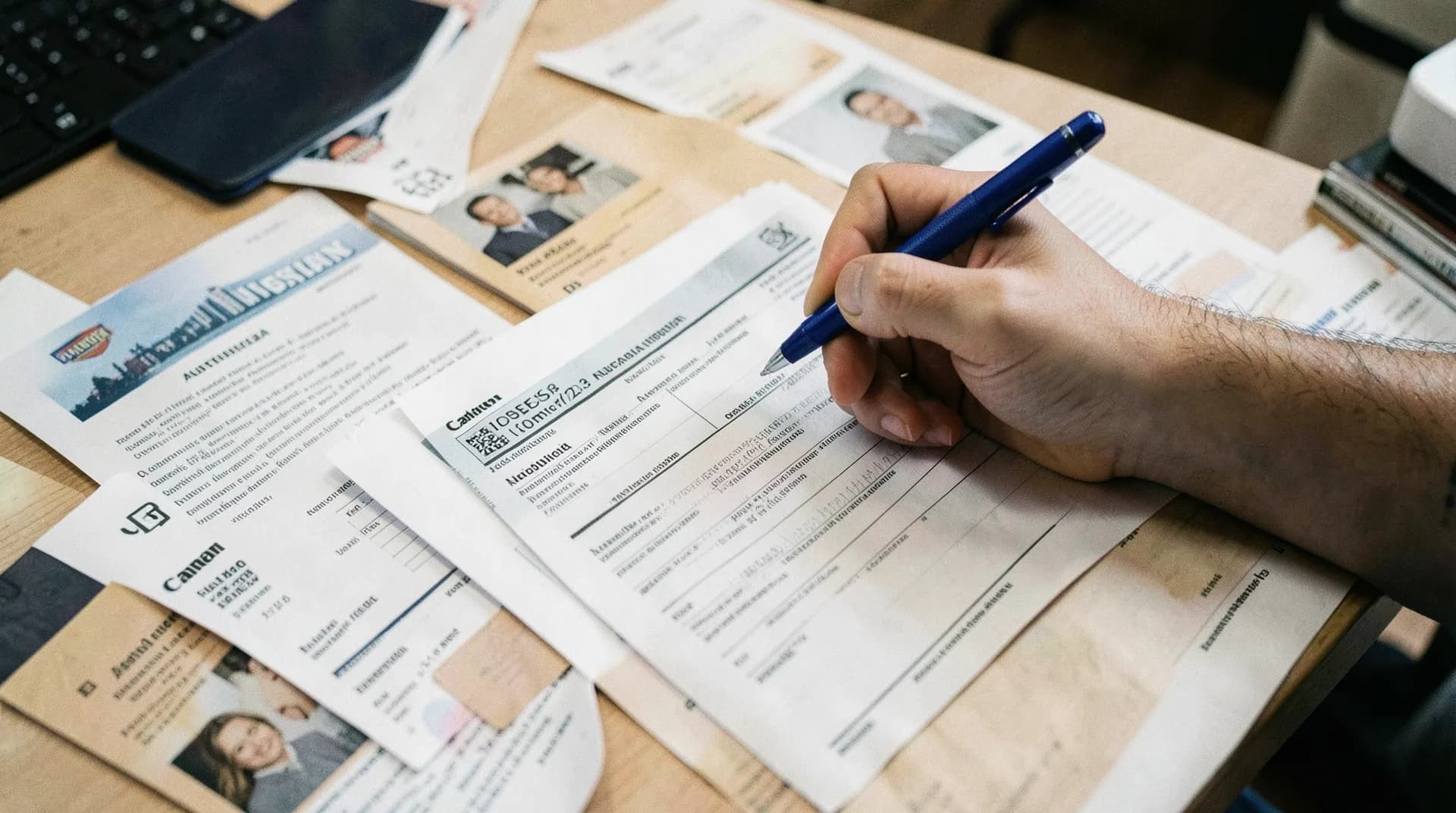
When your Australian visa is granted, you receive a grant notification letter (usually by email or through ImmiAccount). That's it. Nothing is placed in your passport. There's no visa label, no stamp, no sticker — your visa exists only as an electronic record in the Department of Home Affairs' systems.
Linked to Your Passport
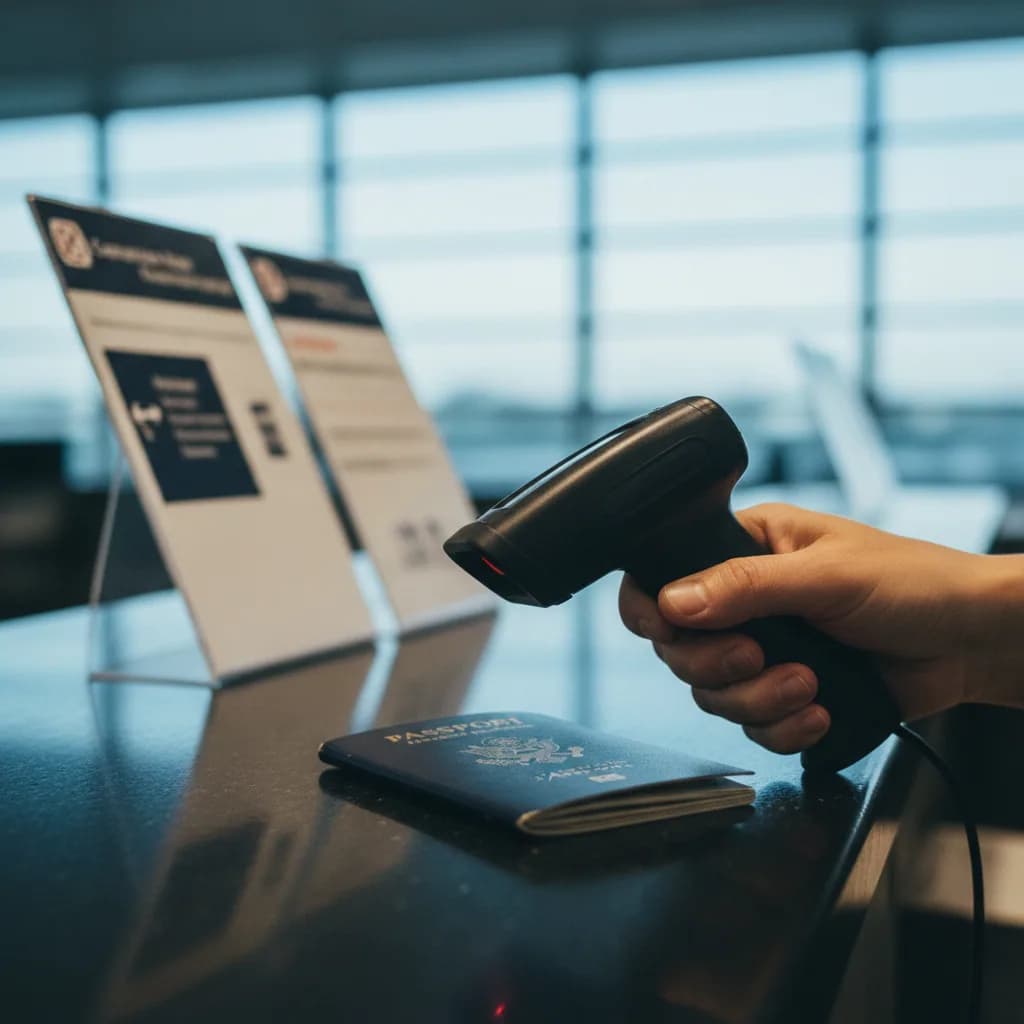
Your visa is linked to the passport number you provided in your application. When you travel to Australia, your passport is scanned at check-in and at the border, and the electronic systems confirm your visa status automatically.
VEVO: The Verification System
VEVO (Visa Entitlement Verification Online) is the system that allows you — and others with authorisation — to check your visa status electronically.
What VEVO Shows:
- Your visa subclass and grant date
- Visa conditions (work rights, study limitations, etc.)
- Visa expiry date
- Travel rights (whether you can re-enter Australia)
- Number of entries permitted
Who Uses VEVO?
You (the Visa Holder)
You can check your own visa status at any time through VEVO using:
- The myVEVO app (available on iOS and Android)
- The Department of Home Affairs website
- Your ImmiAccount
Employers
Australian employers are legally required to verify that their employees have work rights. Employers use VEVO to check:
- Whether you have a valid visa
- Whether your visa includes work rights
- Any conditions on your work (e.g., limited hours for student visa holders)
Educational Institutions
Universities and colleges check your visa status through VEVO to confirm your student visa is valid and you're enrolled appropriately.
Banks and Service Providers
Some banks and service providers may check your visa status for identity verification or to confirm your residency status.
Airlines
Before you board a flight to Australia, the airline checks your visa status electronically through the Advance Passenger Processing (APP) system. If you don't have a valid visa, the airline won't let you board.
What to Do After Your Visa Is Granted
Save Your Grant Letter
When you receive your visa grant notification:
- Save the email and any attachments
- Print a copy of the grant letter to carry when you travel
- Note your visa grant number and conditions
- Download the myVEVO app and check your visa status
- Screenshot your VEVO status as a backup
At the Airport
When travelling to Australia:
- The airline will electronically verify your visa before boarding
- You generally don't need to show your grant letter at check-in, but carry it anyway
- At Australian immigration, your passport is scanned and your visa status is confirmed electronically
- SmartGates (automated passport gates) at Australian airports handle most arrivals automatically
What If You Get a New Passport?
This is one of the most important practical implications of the electronic system.
New Passport = New Passport Number = Visa Not Linked
Since your visa is linked to your passport number, getting a new passport means the new passport isn't connected to your existing visa. You need to update the Department.
How to Update
- Log into ImmiAccount
- Update your passport details
- Or complete Form 929 (Change of Address/Passport Details)
- Provide details of both old and new passports
If You Travel Before Updating
If you get a new passport and travel to Australia without updating the Department, the airline's system may not find your visa (it's linked to the old passport number). This can prevent you from boarding.
Always update your passport details with the Department before travelling on a new passport.
Label-Free for All Visa Types
The electronic system applies to every visa type:
- Tourist visas (600, 601, 651)
- Student visas (500)
- Working Holiday visas (417, 462)
- Skilled migration visas (189, 190, 491)
- Employer-sponsored visas (482, 186)
- Partner visas (309, 820, 100, 801)
- Bridging visas (all types)
- Permanent resident visas
Even permanent residency is electronic. There's no permanent visa label — your permanent status is an electronic record.
Benefits of the Label-Free System
- Security: Electronic records are harder to forge than physical labels
- Convenience: No need to visit an embassy for a label to be placed in your passport
- Flexibility: Visa processing can be completed entirely online
- Speed: No delay for posting passports or embassy visits
- Multiple passports: Your visa record can be linked to a new passport without physical changes
Frequently Asked Questions
How do I prove I have a valid visa?
Use VEVO or the myVEVO app to generate a visa status printout. You can also use your visa grant notification letter. Airlines and immigration officers check your status electronically — you generally don't need to prove it manually.
What if the airline says I don't have a visa?
If the airline's system doesn't show your visa (usually because of a passport number mismatch), show your grant notification letter to the check-in staff and ask them to verify manually. If it's a passport number issue, contact the Department immediately.
Do I need to carry my grant letter when I travel?
It's not technically required (your status is checked electronically), but carrying a printed copy is strongly recommended as a backup.
Can my visa be in my old passport?
Your visa record exists independently of any physical passport. If you get a new passport, update your details with the Department and carry both old and new passports when travelling (as a practical measure).
Is there any physical evidence of my visa?
No physical evidence is placed in your passport. Your visa grant notification (email/letter) and VEVO status are the only evidence. Some applicants print their VEVO status and keep it with their passport.
What happens at the Australian border?
Your passport is scanned, and the system automatically confirms your visa status. Most travellers use SmartGates (automated gates) at major Australian airports. If there's any issue, you'll be directed to a manual processing counter.