ETA App Passport Chip Scan Not Working: How to Fix It
The Australian ETA app can't read your passport chip for one of four reasons: something is between the phone and the passport, the phone is over the wrong spot, NFC is switched off, or the chip itself is damaged. The first three are fixable in minutes. This page walks through each fix, then covers what to do if the chip will never read.
Independent guide — not a government service. Australian Visa Online is an independent information resource. We are not affiliated with the Australian Government or the Department of Home Affairs, and we do not lodge applications on your behalf.
Why the chip read fails
After the app photographs your passport's data page, it asks you to read the chip embedded in the passport. This is a contactless NFC read, the same technology as tap-to-pay. The app fills in your name, date of birth and passport number from the chip, and offers no way to type these details in (a failed read only offers retry), so the application cannot move forward until the read succeeds.
The read fails when:
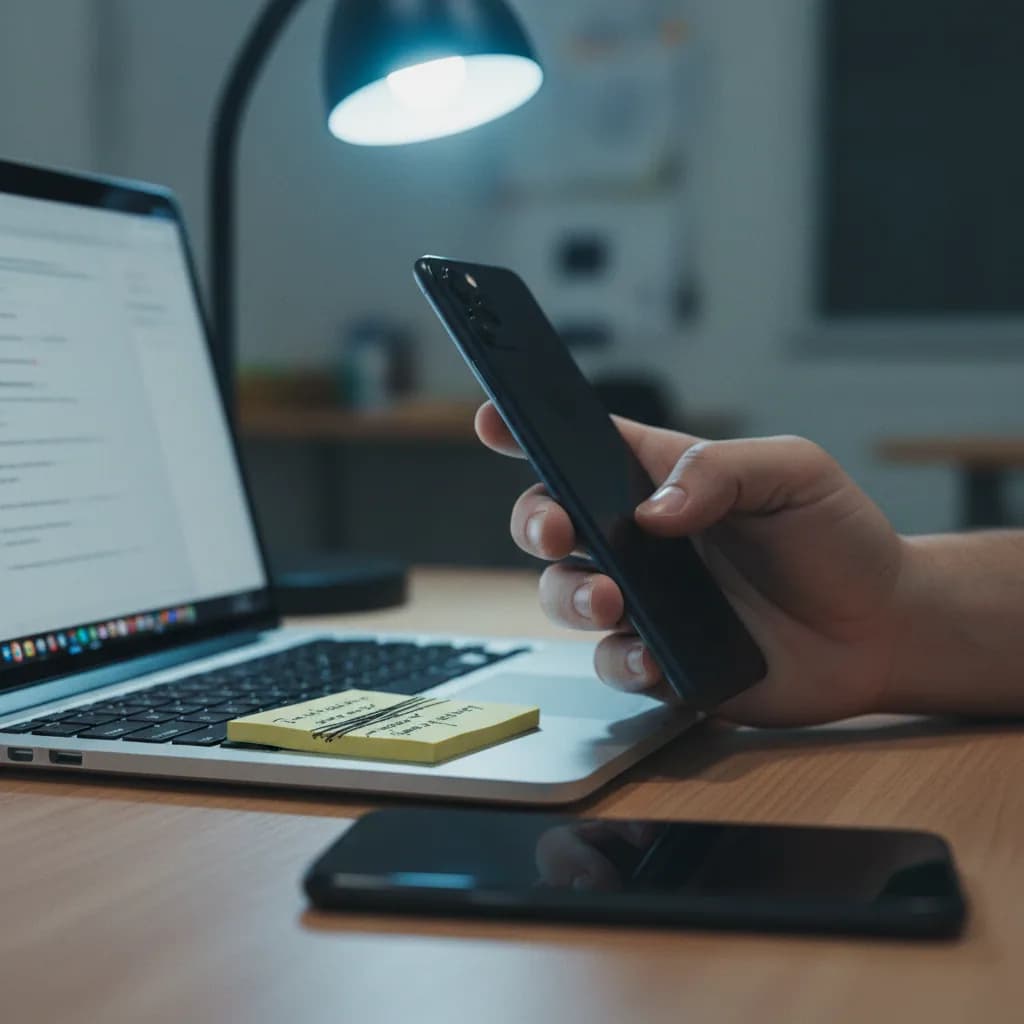
- There's a gap or a barrier. The Department of Home Affairs' own guidance says to remove covers from both the phone and the passport, and that there should be no gap between the two. A thick phone case is the first thing to rule out.
- The phone isn't over the chip. Different countries put the chip in different places: front cover, back cover, or inside a page. Holding the phone still over the wrong spot fails forever.
- NFC is off, or the phone doesn't have it. The app requires NFC. Most phones ship with it on, but it can be switched off.
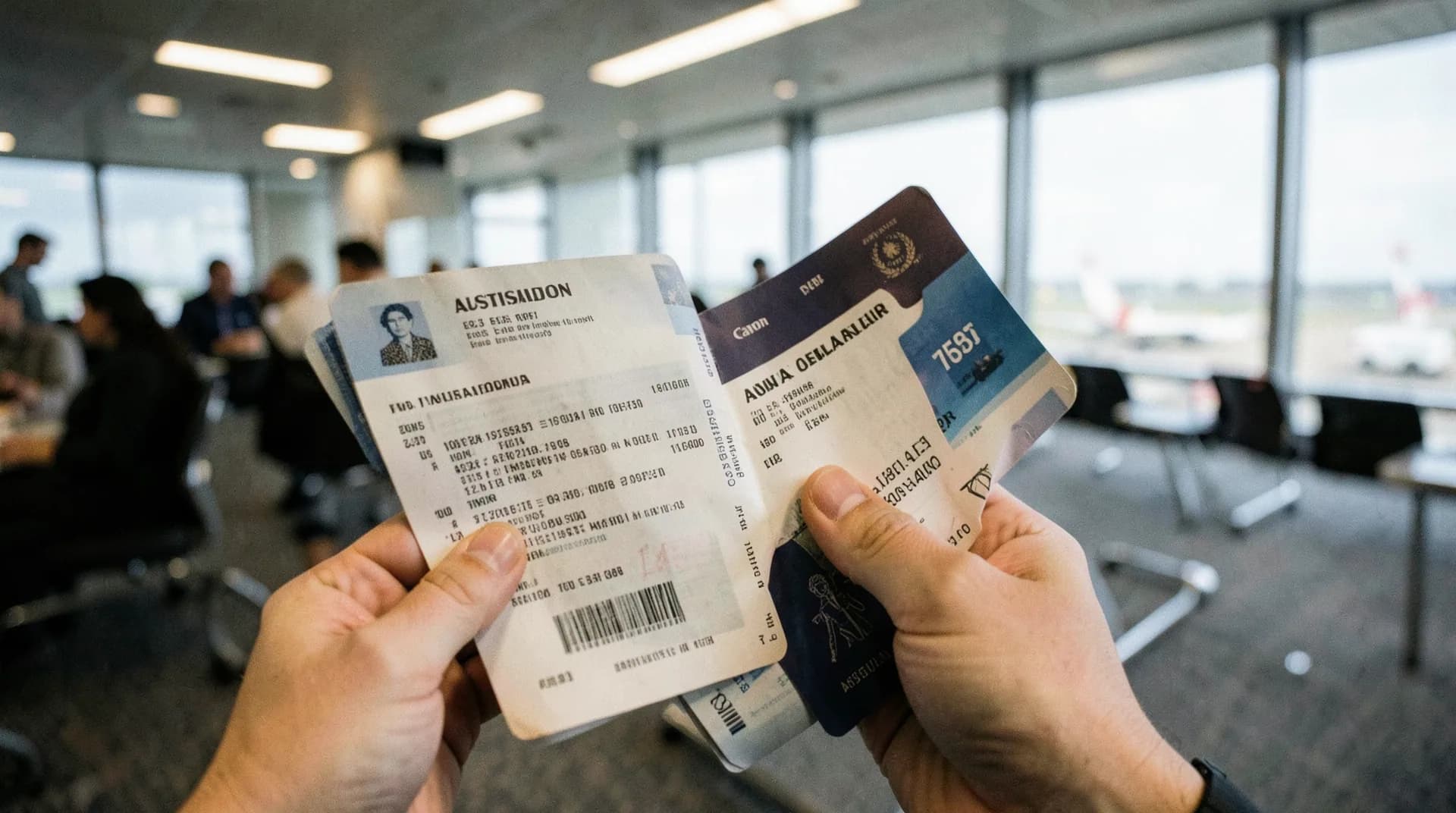
- The chip is damaged or the passport is old. Passports issued before biometric chips became standard (look for the small rectangular chip symbol on the front cover) can't be read at all.
Fix it step by step
Step 1: Check NFC is on
On Android: Settings → search "NFC" → toggle on. iPhones don't expose an NFC switch in most regions; if you have a recent model, check Settings for an NFC or contactless entry, and otherwise treat an iPhone failure as a position or barrier problem, not a setting. While you're in settings, check location services are enabled too; the app requires them to run.
Step 2: Take everything off
Phone case off. Passport cover off. Home Affairs' guidance notes for the app are explicit on this point: the read needs the phone's NFC antenna as close to the chip as physically possible. Anything metal on the phone's back — a card holder, a grip mount — comes off too.
Step 3: Find the chip — it moves by country
For most passports, keep the passport closed and lay the phone flat on the front or back cover. Because the chip sits in different places on different countries' passports, slide the phone slowly around the cover — top, middle, bottom — until the app reacts. Then try the other cover.
For US passports, the technique is different: open the passport to the personal data page and place the phone on the page opposite it, then slide slowly up and down. A closed US passport has shielding in the cover that blocks the read, which is why scanning it the "normal" closed way fails.
Step 4: Hold completely still
Once the app detects the chip you'll see "Hold still" on Android or a yellow progress bar on an iPhone. Don't lift or slide the phone from that spot until the read finishes — moving mid-read is what turns a found chip into another failure.
Step 5: Retry, and watch the official demo
The failure screen offers a retry and a link to the guidance video. The videos are genuinely useful: the Department publishes separate ones for front-cover, back-cover and data-page chips. They're linked from the official ETA page, and the app's own help points to them as well.
Step 6: Try a different phone
Some phones simply have weak or awkwardly placed NFC antennas. A friend or family member can run the application on their phone, but the rules require you to be physically with them: you must take the live selfie yourself and your passport must be there to scan. There is no remote apply-on-behalf route, not even through a travel agent.
Warning: closing the ETA app deletes applications that haven't been submitted yet. That's by design, for privacy. If you switch phones, you're starting from the beginning, so finish the whole application in one sitting on the device that can read the chip.
If the chip will never read
A damaged chip, a pre-biometric passport, or six failed attempts across two phones all point the same way: stop fighting the app. There's no manual fallback inside it, but there are two clean exits.
UK or European passport? Apply for the eVisitor (subclass 651) instead. It's free, it runs through ImmiAccount in an ordinary browser, and no chip read is involved. The visa you get is functionally the same for a short visit: three months per stay. Our ETA vs eVisitor comparison covers the differences.
Any other passport? Apply for the Visitor visa (subclass 600) through ImmiAccount. It costs more and takes longer than an ETA, so treat it as the last resort. But it exists precisely for people the app can't process.
If the chip scan worked and you're now stuck further in, see the guides for the selfie check and the payment screen, or the full ETA guide for the whole process.
FAQ
Does the ETA app work on a phone without NFC?
No. The Department of Home Affairs lists NFC as a requirement for applying, and the app won't let you proceed without it. If your phone has no NFC, borrow one — you must be physically present while the application is made, and you take the selfie yourself.
Can I type my passport details in manually instead of scanning the chip?
No. The app populates your name, date of birth and passport number from the chip read, and Home Affairs' guidance offers no manual-entry path for them — a failed read only offers rescan and retry. What you do type yourself is contact information (address, phone, email) and, for some countries, a national ID number; your identity data must come from the chip.
Where is the chip in my passport?
It varies by country: front cover, back cover, or in a page. Keep the passport closed and slide the phone slowly over both covers. US passports are the exception — open them to the data page and scan against the opposite page.
My passport has no chip symbol on the cover. Can I still get an ETA?
Not through the app — it can't complete without a successful chip read. Apply for the free eVisitor through ImmiAccount if you hold a UK or European passport, or a Visitor (subclass 600) visa otherwise. Both run in a browser with no chip involved.